Automate anything on your Android.

Create flows by recording your actions — or build them manually with a full set of actions: click, long tap, double tap, swipe, type text, open app, back, home, wait, and conditions. Run on demand or on a schedule. No root required.

No root · 78+ languages · Your data stays on device

QR code to Clicky on Google Play Scan to download

Repetitive taps? Same steps every day?

Many tasks on Android are the same taps and swipes over and over. With Clicky you can record those actions once and replay them — or build flows from scratch in the visual editor, step by step, using taps, swipes, text input, navigation, waits, and conditions. Run on demand or on a schedule. You stay in control.

Built for control

Record or build manually

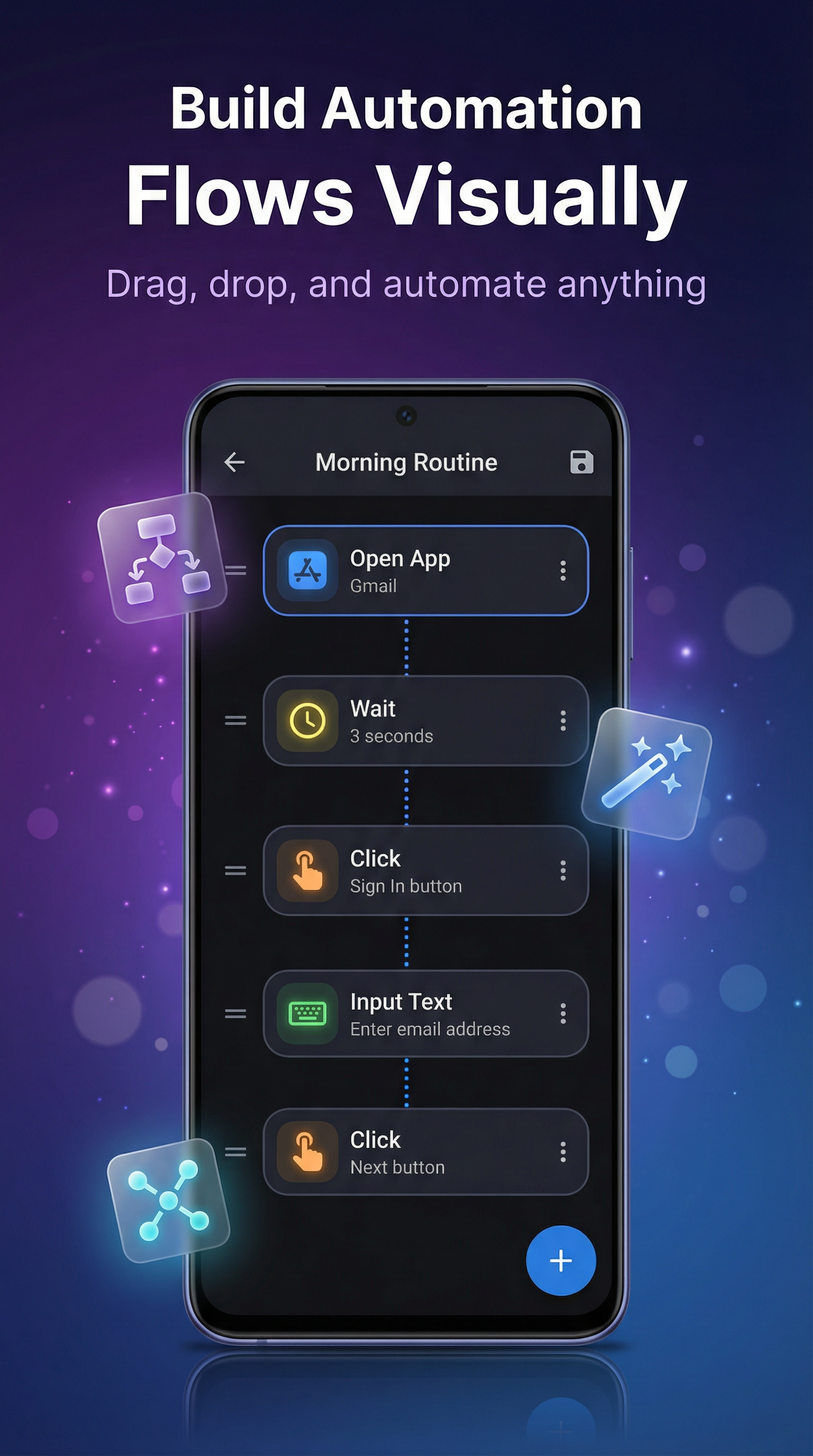
Two ways to create a flow: record your taps and swipes and replay them, or build step-by-step in the visual editor with 15+ action types — click, long tap, double tap, swipe, type text, open app, back, home, recent apps, settings, wait, and if-conditions. No code.

Schedule flows

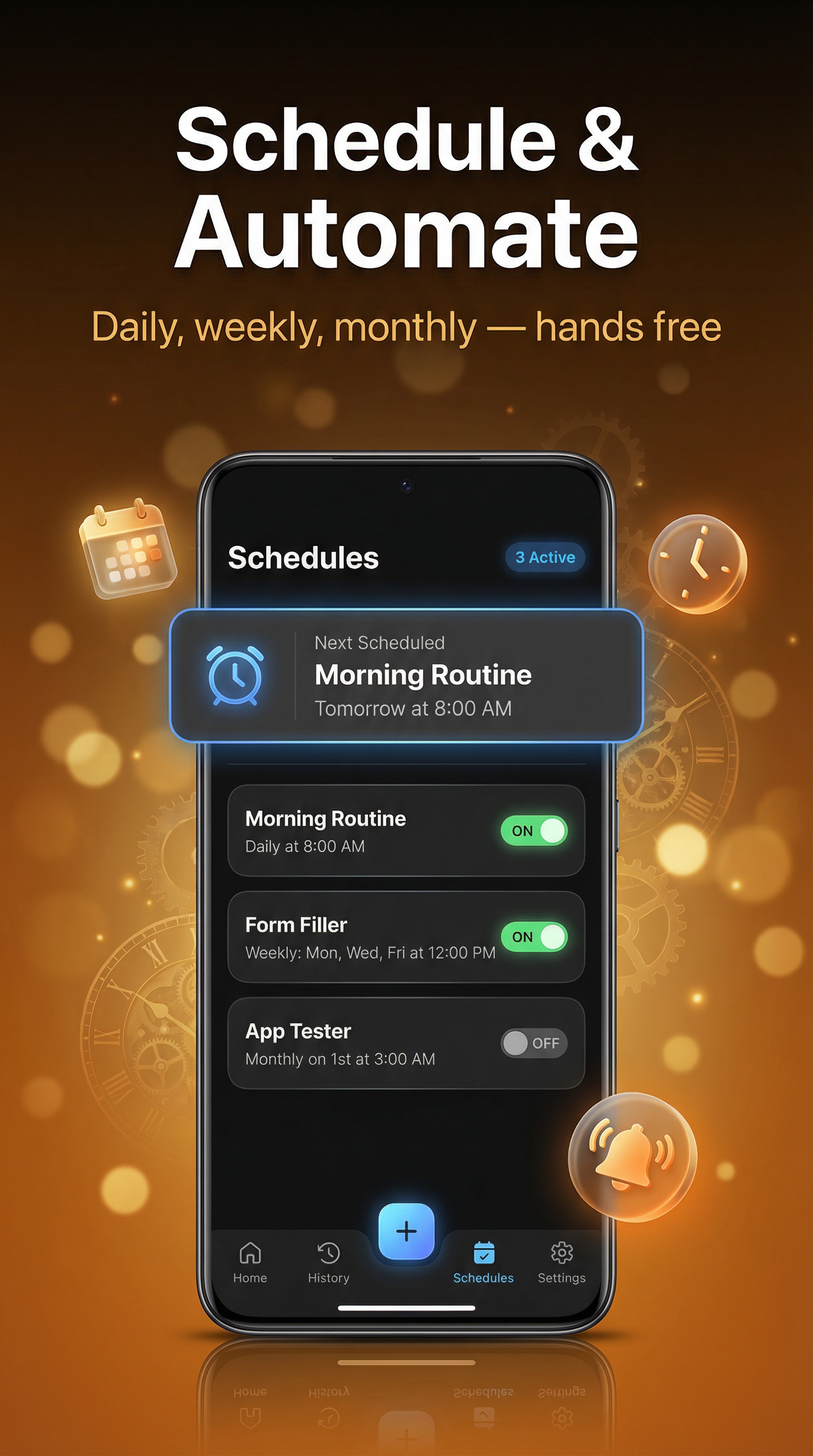
Run flows once, daily, weekly, or monthly. Overlap handling and next-run preview so you know what's coming.

Full history & stats

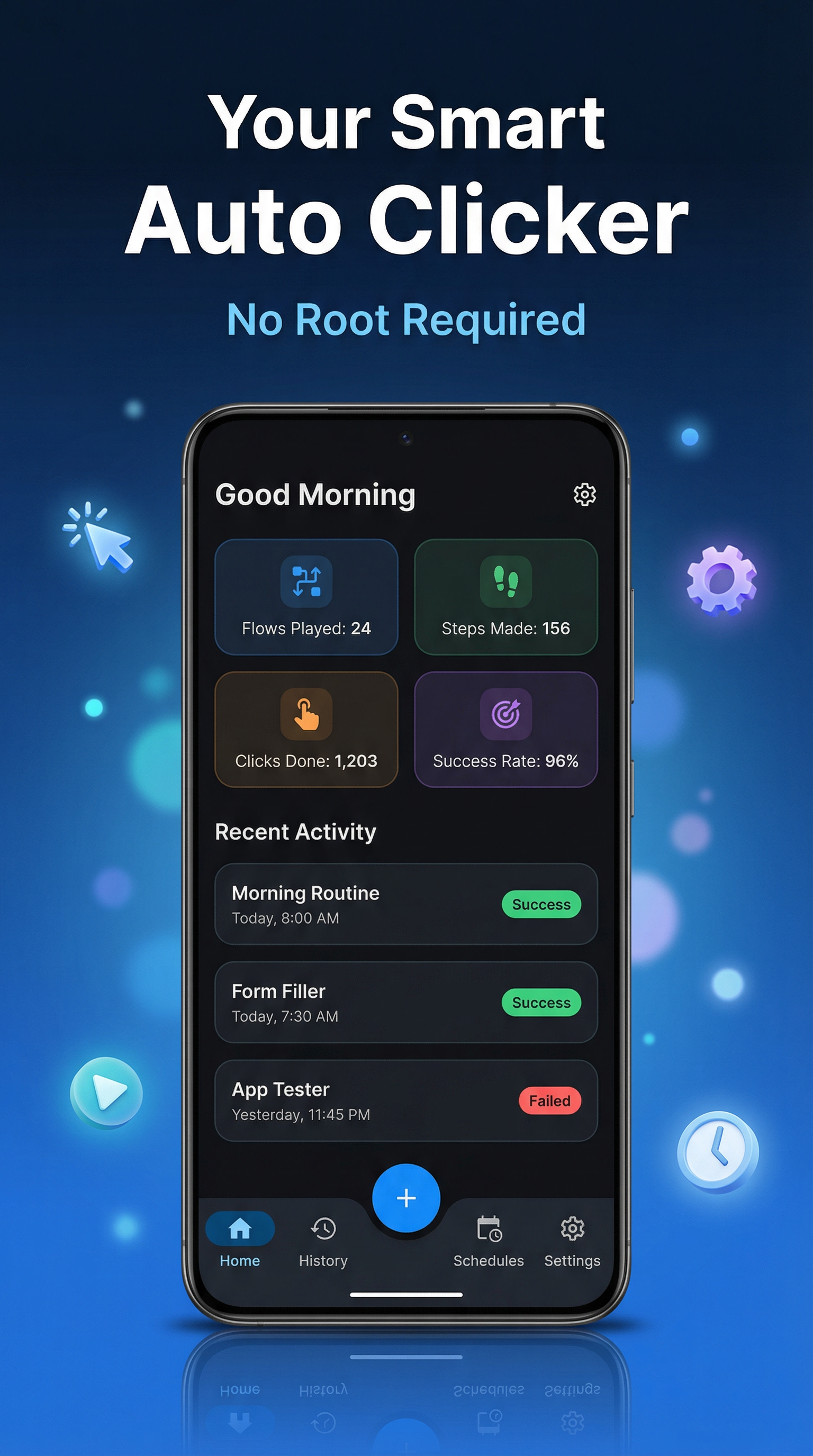
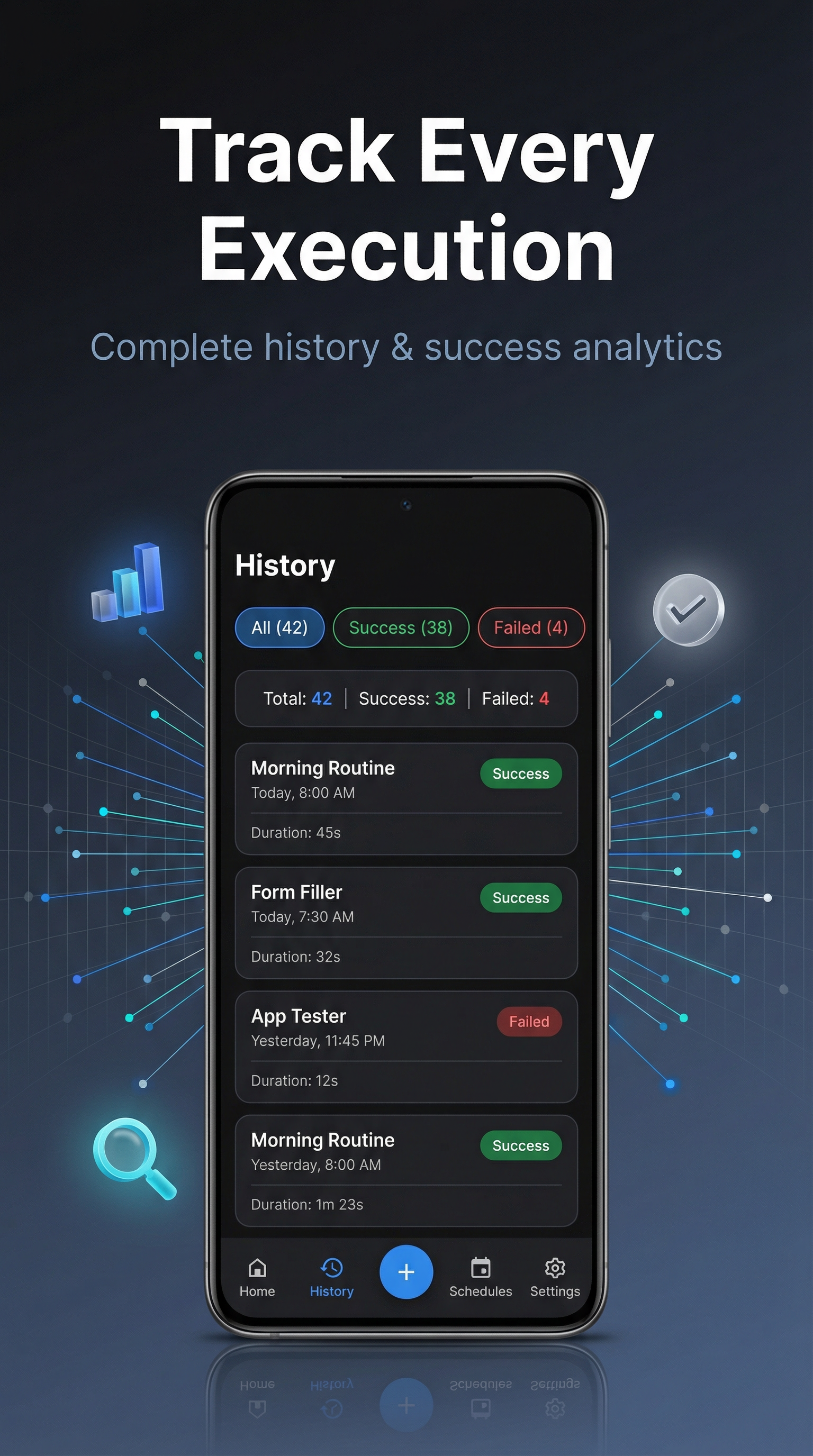
Every run is logged: success/fail, duration, steps. Quick stats: flows played, steps made, clicks, success rate.

Runs over any app

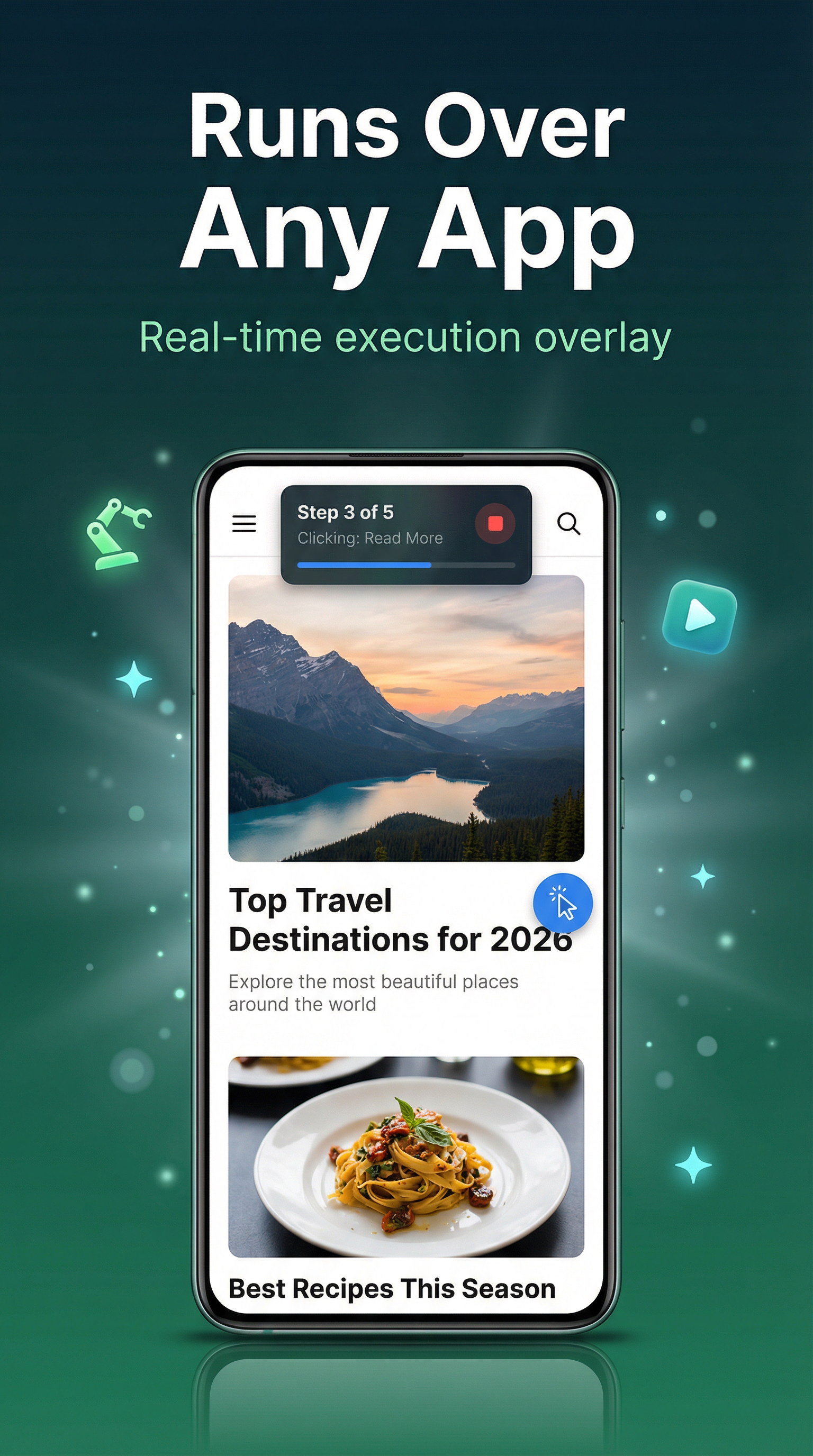
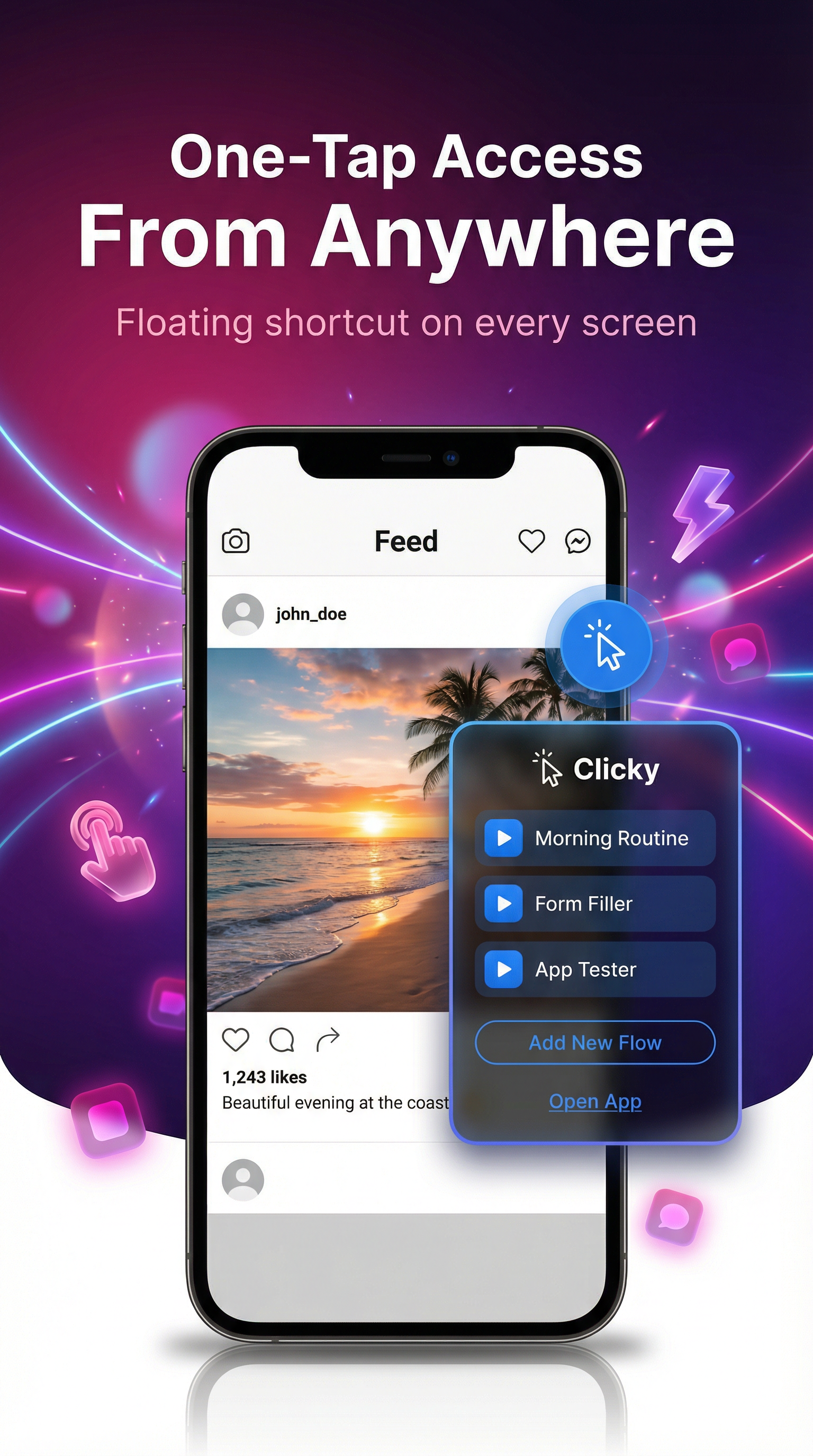
Execution overlay on top of any app with progress and stop button. Floating shortcut for one-tap flow launch from anywhere.

Your device, your language

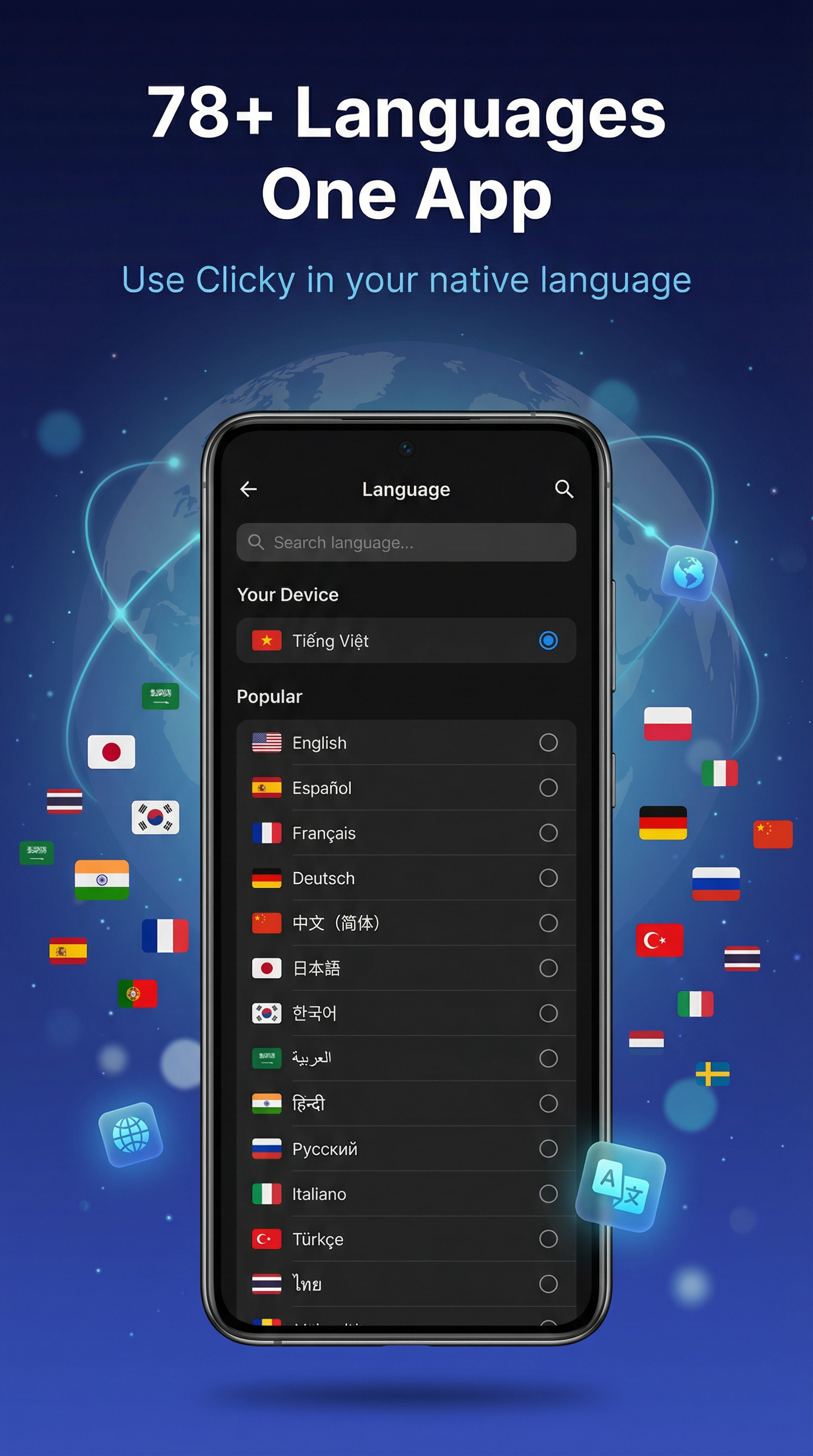
78+ languages with in-app switching; dark mode and clear, minimal UI.

No root

Uses Android's Accessibility and overlay APIs; no rooting or system hacks.

How it works

  1. Create your flow

    Record your actions on screen and save them as a flow — or build manually by adding steps: click, long tap, double tap, swipe, type text, open app, back, home, recent apps, wait, and if-conditions. Mix and match to fit any task.

  2. Edit & refine

    Name your flow, reorder steps, tweak targets (by text or coordinates), and add waits or conditions. The visual editor shows every step in order.

  3. Run or schedule

    Play once from the app or floating shortcut, or set a schedule and forget it.

Why these permissions?

Clicky uses Accessibility and overlay only to run your automations. Your flows and data stay on your device.

  • Accessibility — So Clicky can perform taps, swipes, and text input for your flows.
  • Overlay — To show the recording and execution overlay and the floating shortcut.
  • Notifications (Android 13+) — To tell you when a flow has finished.

We don't collect your flows or tap data; automation runs on your device.

Get Clicky

No root · Free to use

Download on Google Play or
QR code to Clicky on Google Play Scan to open Play Store

Contact

Questions, feedback, or support? Get in touch.